
Learn how to send form data to Google Sheets for free without using any tools. Automatically store form submissions in Google Sheets with a simple setup.
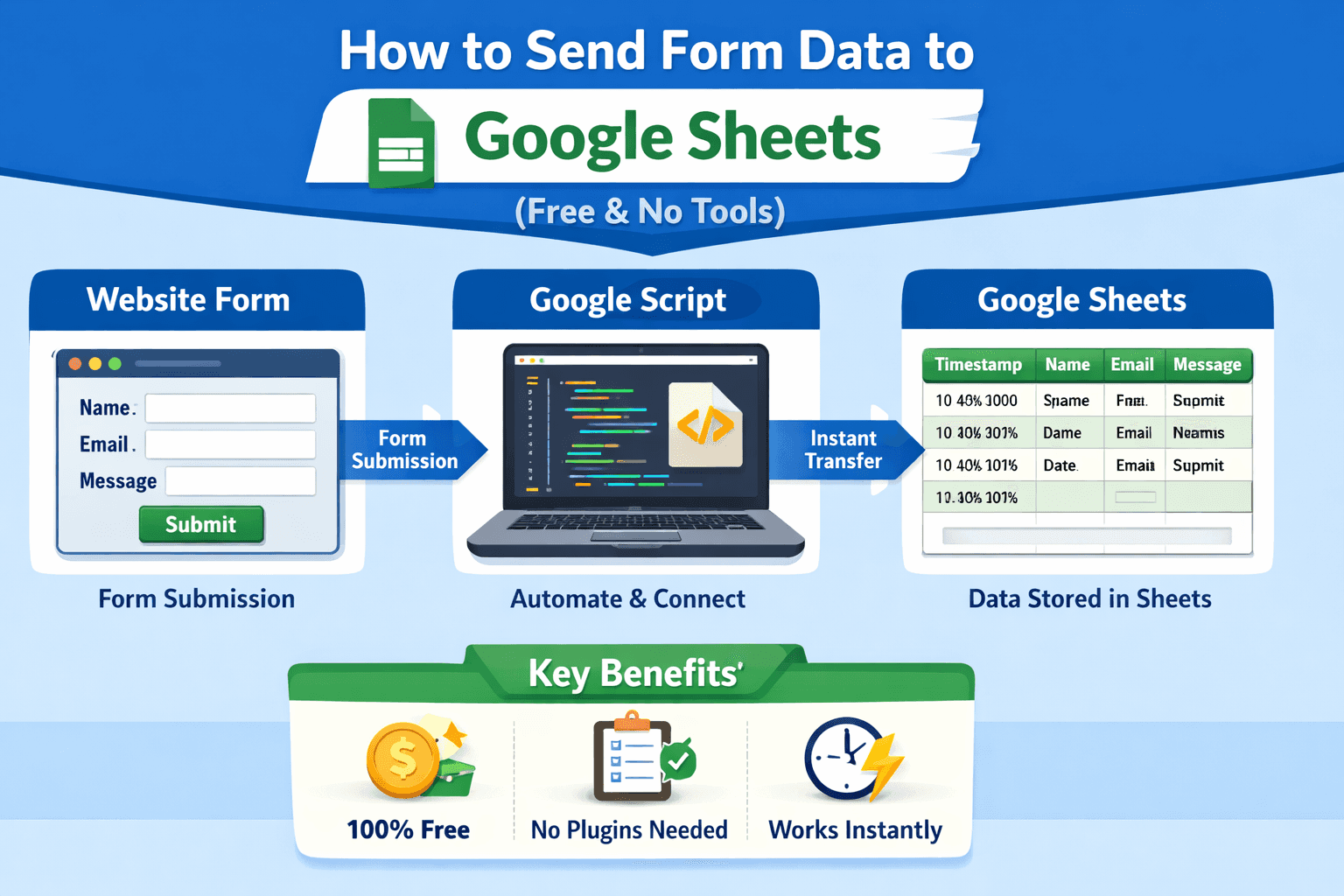
If you're looking for a way to send form data to Google Sheets for free, you're not alone.
Many website builders don’t provide a simple way to store submissions in a clean, organized format. That’s why more creators are choosing to send form data to Google Sheets automatically—without relying on paid tools or complex systems.
In this guide, you’ll understand how this works and how you can set up a system to store form submissions in Google Sheets automatically, using only Google’s ecosystem.
👉 Unlock it here
(Buy me a coffee☕)
🚀 What This Setup Does
Once configured, your workflow becomes:
Your Website Form → Google Sheets (Instantly)
This means every time someone submits a form:
Their data is captured instantly
Stored in a structured spreadsheet
Accessible anytime from anywhere
If your goal is to automate form submissions to Google Sheets, this is one of the simplest and most reliable approaches.
💡 Why Send Form Data to Google Sheets
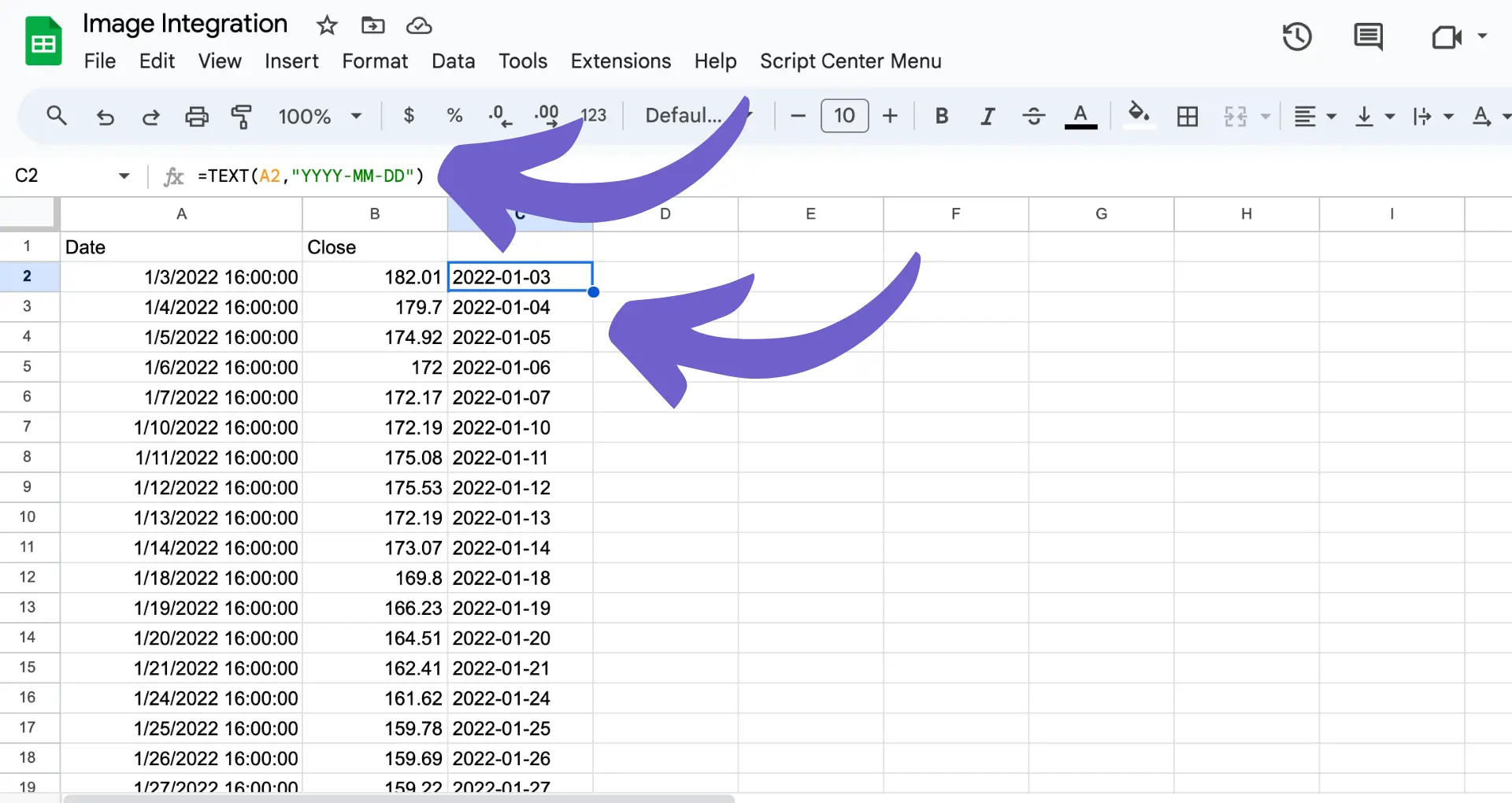
Using Google Sheets as your backend is a powerful free solution.
Here’s why people prefer it:
📊 Acts as a lightweight database
⚡ Updates in real time
🤝 Easy to share and collaborate
💸 Completely free to use
🔗 Flexible for future automation
Instead of managing data inside multiple platforms, you can store all form responses in Google Sheets automatically.
⚙️ How to Send Form Data to Google Sheets (Simple Method)
To send form data to Google Sheets without tools, the system works like this:
A form collects user input
The data is sent to a Google-based endpoint
Google Sheets receives and stores the data
This allows you to connect any form to Google Sheets for free, without needing external automation platforms.
🧩 Works With Any Website
This method is flexible and works with:
Landing pages
Portfolio websites
Custom-coded forms
Any platform that supports form submissions
As long as your form can send data, you can connect it to Google Sheets without Zapier or other tools.
🔥 Free Alternative to Paid Form Automation Tools
Many guides recommend paid tools—but they’re not necessary.
If your goal is to:
Send form data to Google Sheets for free
Avoid monthly subscriptions
Keep full control over your data
Then this method is a strong alternative.
You get:
✅ No cost
✅ No limits
✅ Full ownership
🎯 Who This Is For
This setup is ideal if you:
Want to automate website form submissions to Google Sheets
Need a simple backend without coding complexity
Are building a startup, portfolio, or landing page
Prefer a clean and minimal workflow
🔒 Why I Didn’t Include the Full Setup Here
Most tutorials overcomplicate things with technical steps and code.
Instead, I created a ready-to-use system that lets you send form data to Google Sheets instantly, without trial and error.
☕ Get the Full Setup
If you want the complete system:
👉 Ready-to-use setup
👉 Works with any website form
👉 No coding required
👉 Sends data directly to Google Sheets
👉 Unlock it here
(Buy me a coffee☕)
🧠 Final Thoughts
If you want a reliable way to send form data to Google Sheets without tools, this is one of the simplest solutions available.
You don’t need expensive platforms or complex backends.
Set it up once—and your system will automatically store form submissions in Google Sheets forever.